
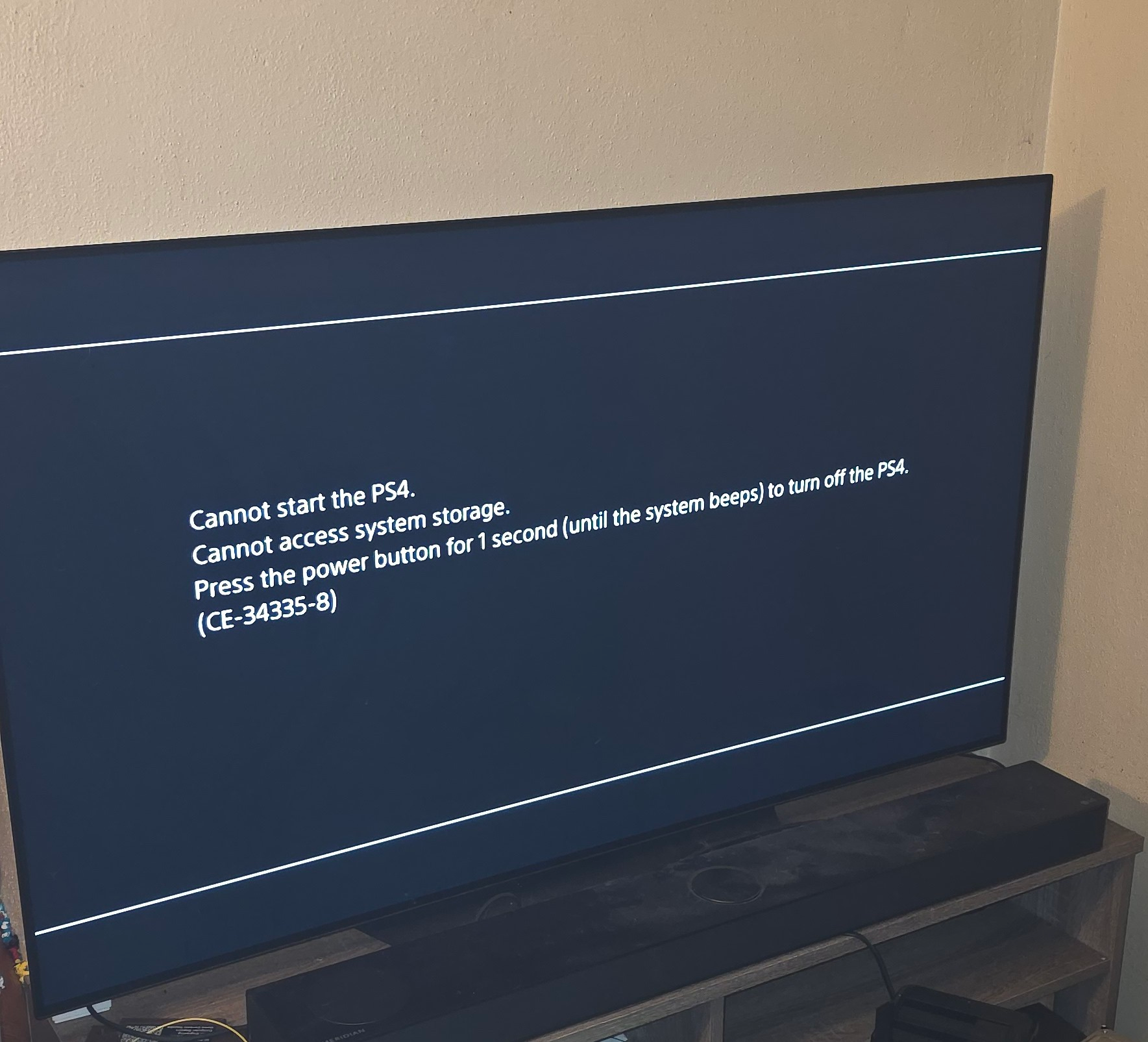

When a PlayStation 4 throws CE-34335-8, it’s telling you the system can’t detect the hard drive. Most people assume the HDD has failed — but in this case, the drive wasn’t the problem.
During a recent repair, I uncovered a much less obvious cause that can mimic a dead HDD perfectly, even if the drive is brand new. Here’s what actually fixed the PS4 and how you can diagnose the same issue.
Symptoms: PS4 Won’t Detect the Hard Drive
This console arrived with the classic symptoms:
- Immediate CE-34335-8 on boot
- Hard drive wouldn’t initialize
- A known-good HDD was tested with no change
- SATA cable and connector were confirmed good
When the error persists with a good drive, it’s almost always something deeper on the motherboard.
Finding the Real Issue: Short Near the SATA Connector

With the board out, I metered the components around:
- The SATA connector, and
- The TPS2001D power-distribution chip (which feeds HDD power)
A group of tiny capacitors behind the SATA port showed a short-to-ground. One capacitor in particular was dragging the entire HDD 5V rail down.
When that rail collapses:
- The hard drive never receives proper power
- The PS4 instantly reports “No hard drive detected”
- CE-34335-8 appears every time
This perfectly mimics a failed HDD.
The Fix: Removing the Shorted Capacitor

Once the bad capacitor was removed:
- The short disappeared
- The 5V HDD rail stabilized
- The system booted normally
- CE-34335-8 was gone
Nothing else needed replaced.
The drive was fine — the power rail was the actual culprit.
Why a Failed Capacitor Causes This Error
Small SMD ceramic capacitors can fail short without any visible damage. On the PS4:
- These caps filter and stabilize the HDD power rail
- A shorted capacitor collapses the rail
- The HDD cannot spin up or initialize
- The PS4 assumes “no hard drive installed”
This explains why CE-34335-8 kept appearing even with a working HDD.
How You Can Diagnose This Yourself
If you repair consoles or troubleshoot electronics, here’s how to check this issue:
- Remove the PS4 motherboard
- Meter the capacitors behind the SATA connector
- Check the HDD power-related caps near the TPS2001D
- Look for any capacitor reading as a dead short
- Remove the shorted cap and re-test
In many cases — including this one — the PS4 will immediately detect the HDD again.
Conclusion: CE-34335-8 Isn’t Always a Bad Hard Drive
This repair proves that CE-34335-8 isn’t always caused by a dead hard drive.
A single shorted capacitor on the HDD power rail can completely stop the system from detecting the drive.
If you’ve replaced the HDD and still get CE-34335-8, don’t give up — inspect the SATA power components. The fix may be much simpler than it looks.